
Chart of Accounts built for your general ledger
LEDGRR's Chart of Accounts gives you a structured, filterable view of every GL account, branch and cost centre—so your books stay accurate and your reports stay meaningful.
Try LEDGRR for free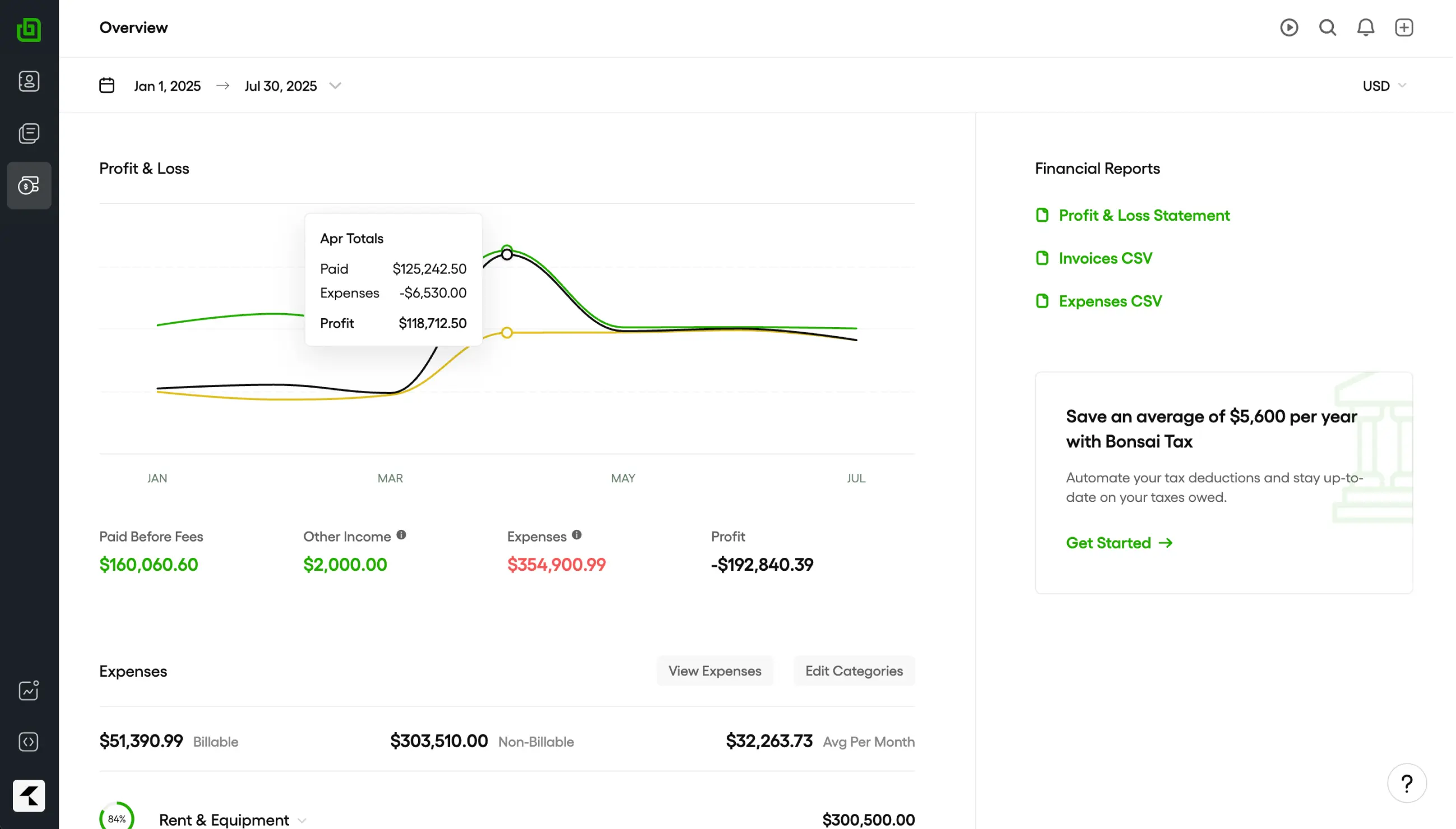
General Ledger
Chart of Accounts
Keep every account in the right place.

GL account mapping
Map each chart-of-accounts entry to a GL account, branch and cost centre so every transaction posts to the right place.

Bulk edit & delete
Select multiple accounts and update status, report visibility or notes in one action. Bulk delete with a clear failure summary.

Report visibility control
Choose which accounts appear in financial reports so your P&L, balance sheet and trial balance stay clean and relevant.

Default account flags
Mark default accounts for branch and cost-centre combinations so LEDGRR resolves the right COA entry automatically.

Branch & cost-centre filters
Filter accounts by branch and cost centre in a searchable DataTable, making multi-entity and departmental accounting simple.

Active / inactive status
Activate or deactivate accounts without deleting history. Keep historical data intact while controlling what is currently available.
Manage your COA with the same rigour as the rest of your ledger.
Map accounts to your structure
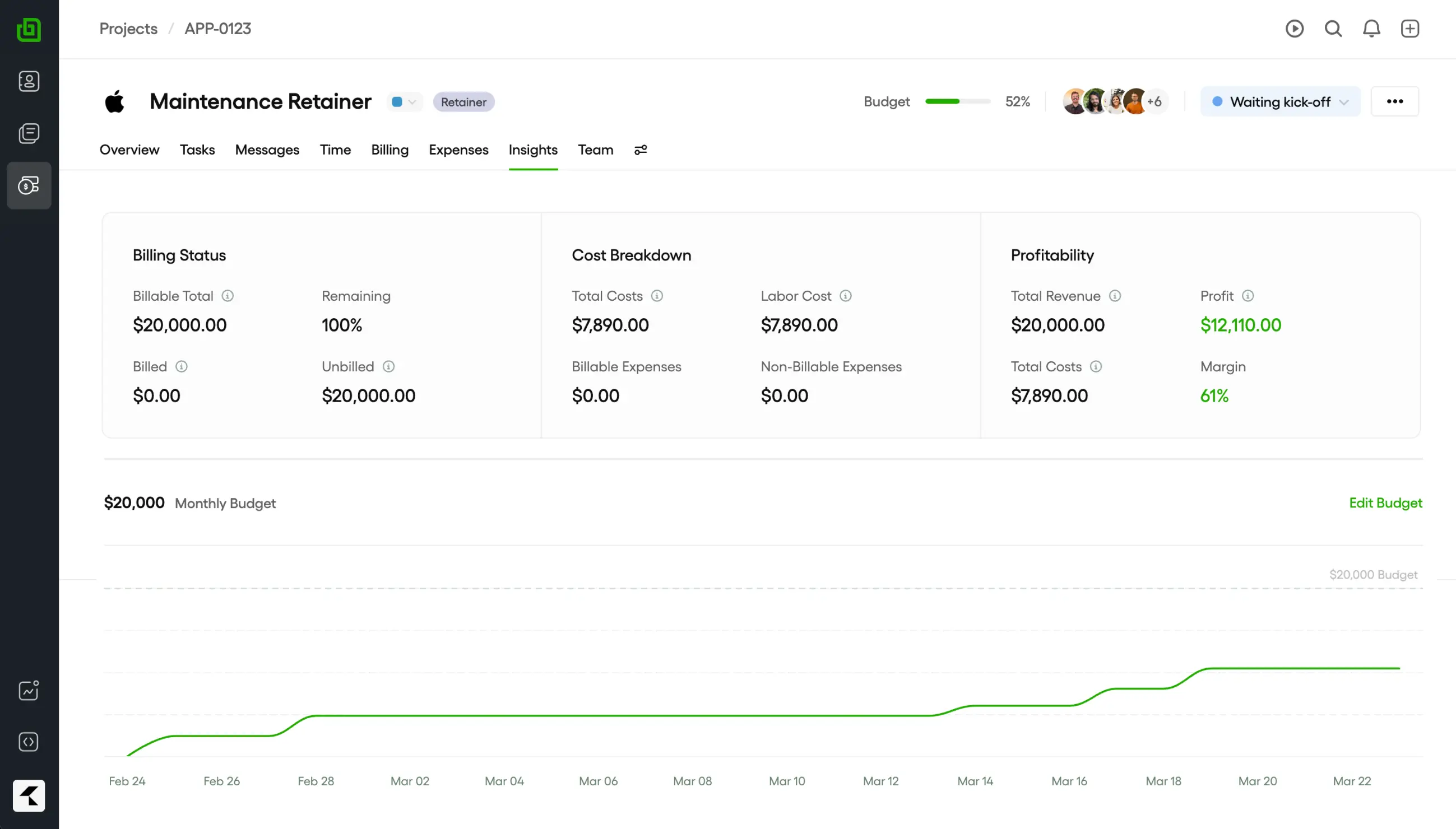
Every chart-of-accounts entry links to a GL account, branch and cost centre. That means invoices, expenses, payments and journals always post consistently.
Bulk update with confidence
Select any number of accounts and apply status, report visibility or note changes in one request. LEDGRR returns a clear summary of what changed and what did not.
Resolve defaults automatically
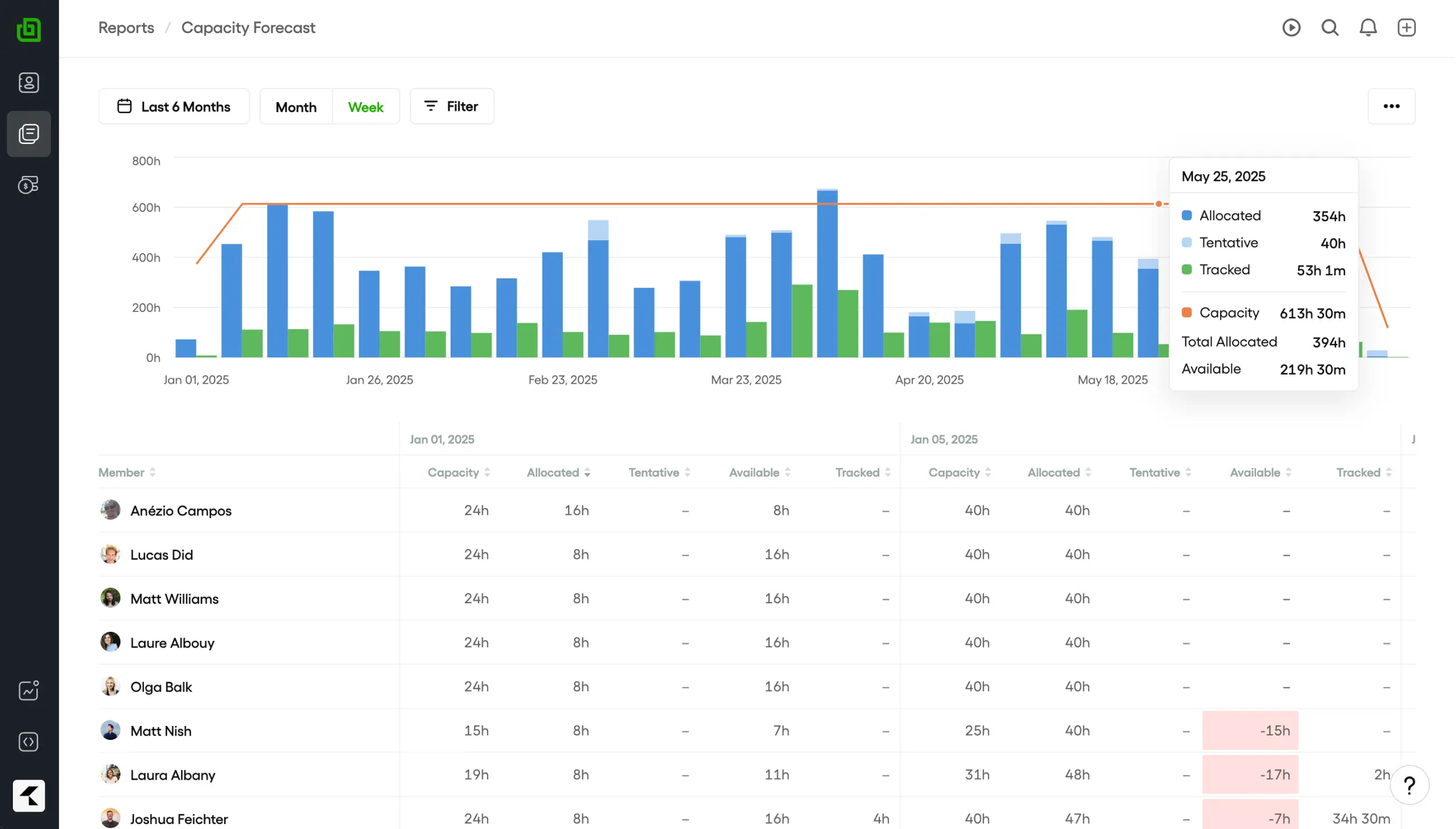
Mark an account as default for a GL account, branch and cost-centre combination. LEDGRR uses that default during posting so data entry stays fast and accurate.
Search, filter and export
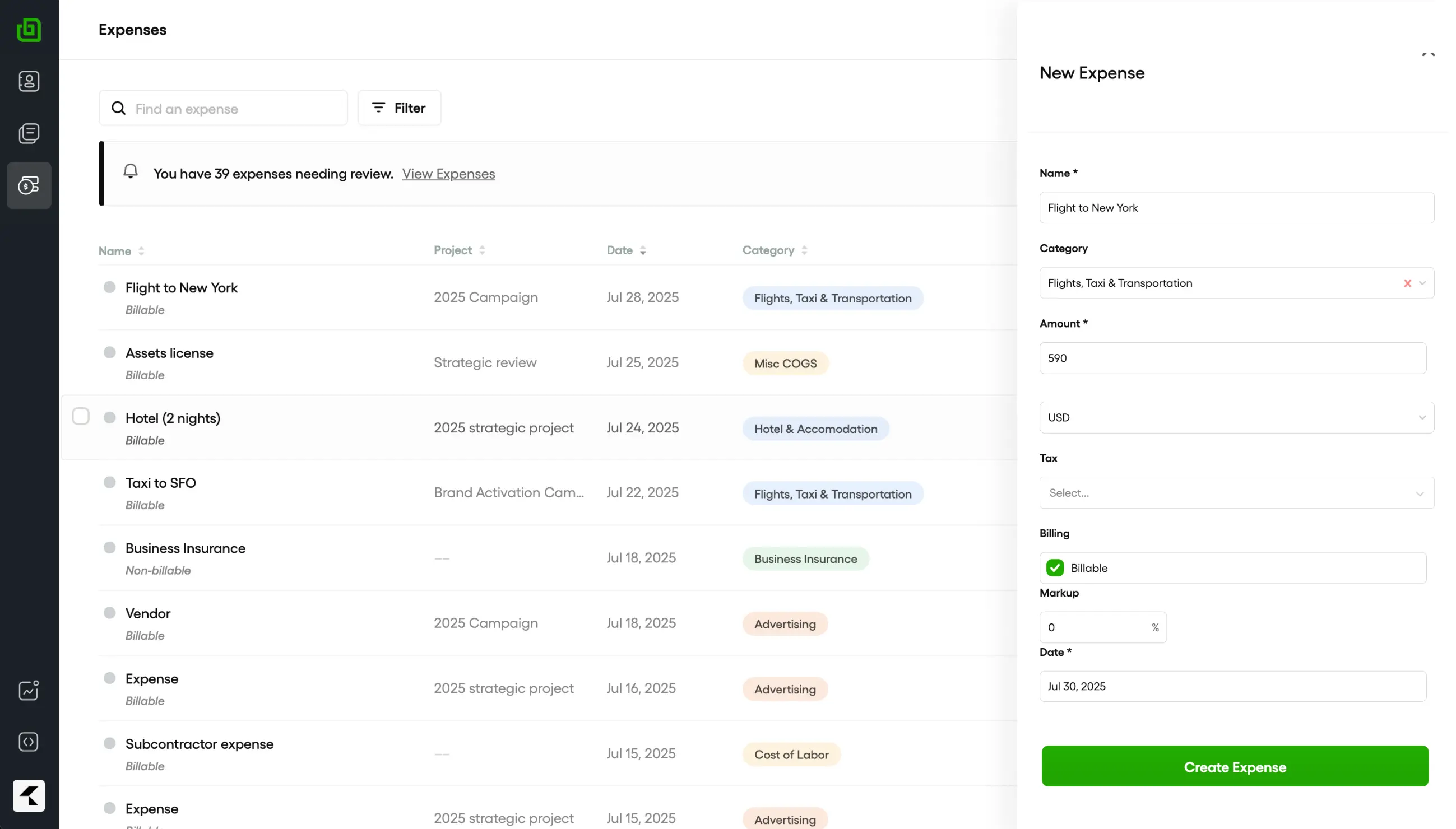
Search accounts, filter by branch and cost centre, sort columns and export to Excel or PDF. Server-side processing keeps large lists fast.
Amara, Finance Lead
Our chart of accounts was scattered across spreadsheets. LEDGRR gave us one structured view where every branch and cost centre maps cleanly to the GL. Month-end close is now hours, not days.

10,000+
Services firms trust LEDGRR

Browse LEDGRR's accounting templates
Service
Standard Chart of Accounts
Assets, liabilities, equity, revenue and expense accounts for a typical services business.
Get templateMulti-branch
Branch-Ready COA
Chart of accounts pre-seeded with branch and cost-centre dimensions for distributed operations.
Get templateIndustry
Record-Label COA
Royalty, recoupment, release revenue and artist-expense accounts for music and media operations.
Get templateIndustry
Automotive COA
Vehicle inventory, parts COGS, service revenue and warranty accounts for dealerships and workshops.
Get template
Signup to access additional templates.
Additional templates are only available with LEDGRR
Keep exploring LEDGRR's features
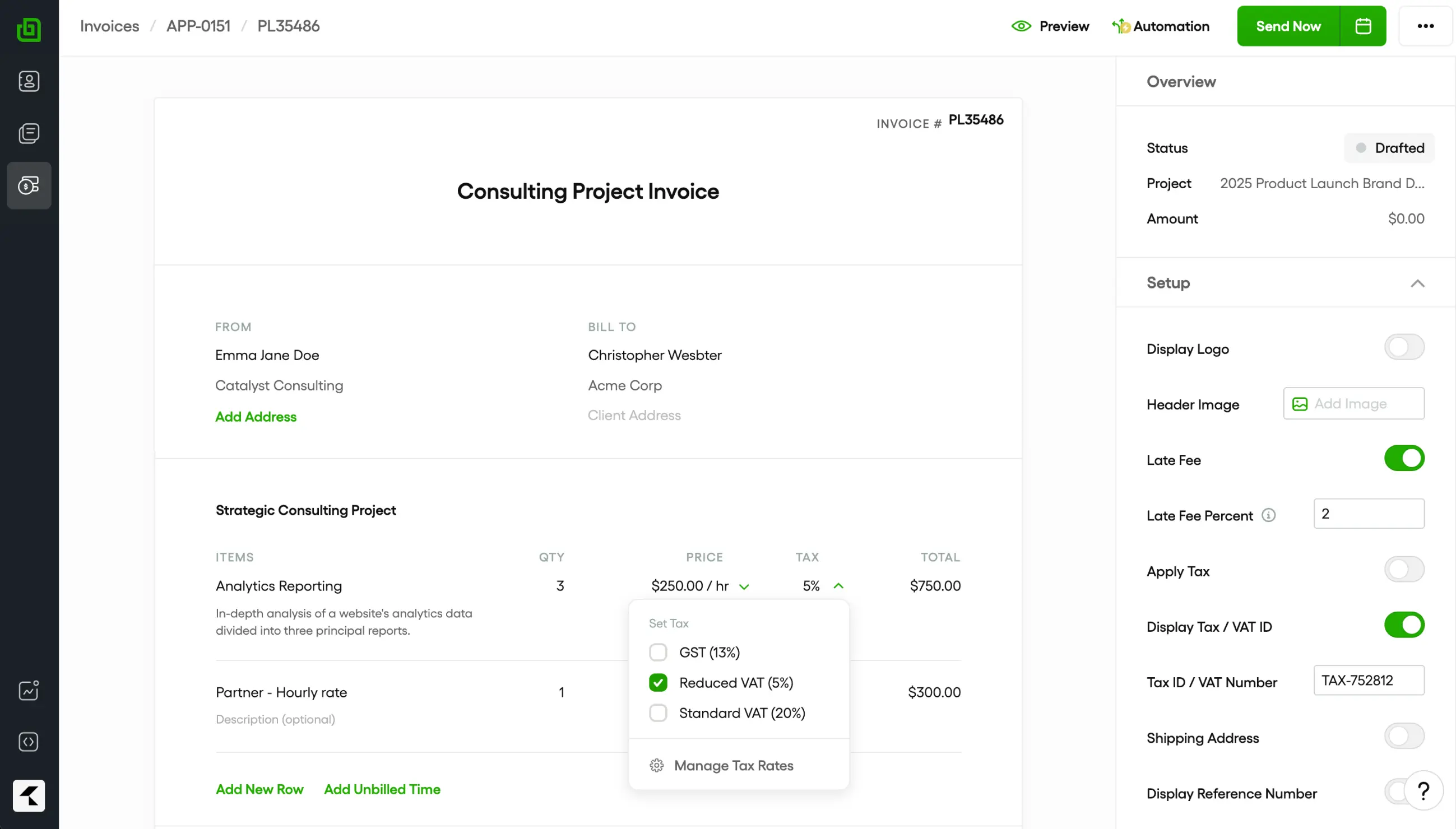
Invoicing
Create professional invoices, accept online payments and automate billing—then post revenue straight to the GL.
Financial reports
Run P&L, balance sheet, trial balance and cash-flow reports with accounts filtered by branch, cost centre and visibility.
Get started in 30 seconds.
Build a clean chart of accounts, map it to your GL and keep every transaction posting to the right place.